

 Muhammad Naeem
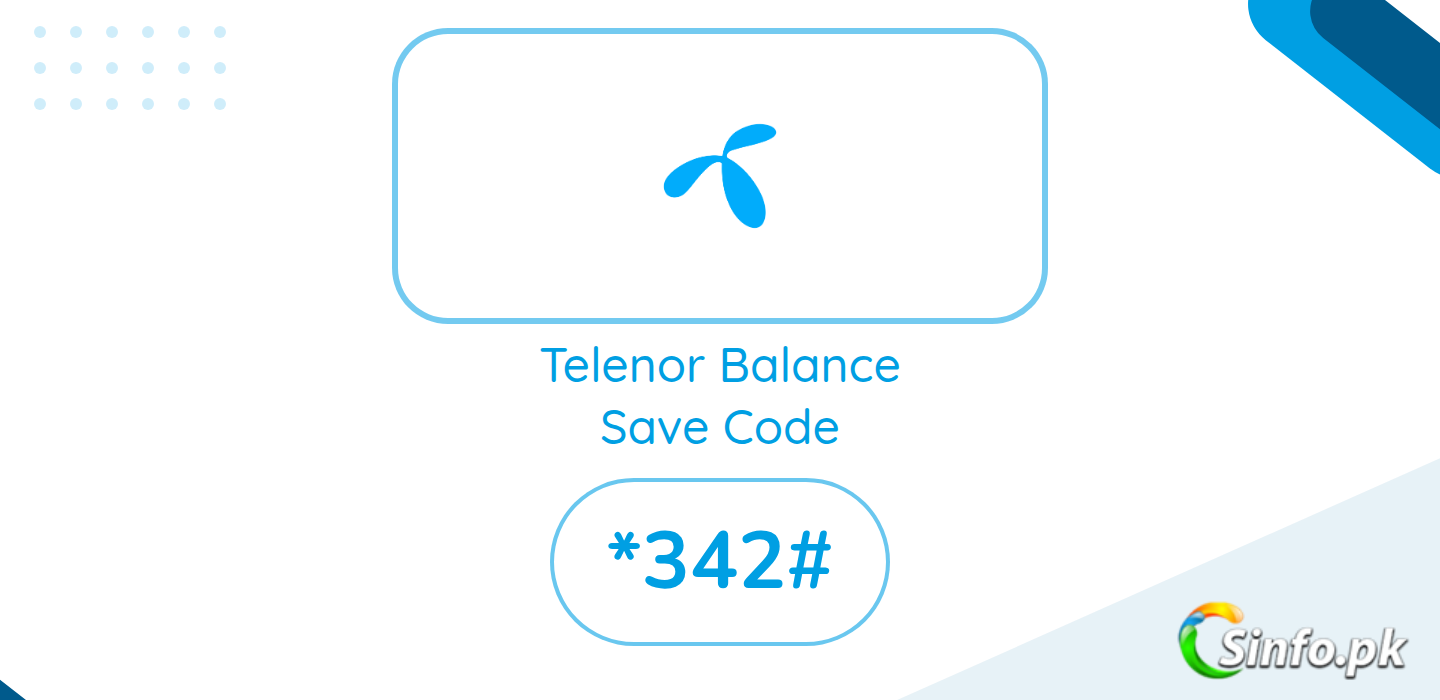
The Telenor balance save code is *342#. This is the current code advised by PTA for Telenor users to block pay-as-you-go data charges.
When your internet bundle expires and mobile data stays on, Telenor switches you to standard per-MB charging without any clear warning. Your balance can drain fast. The Balance Save (PAYG blocker) service stops mobile internet the moment your bundle ends, so your balance stays safe.
How to Activate Telenor Balance Save Code
- Open your phone dialer.
- Dial *342# and press call.
- Follow the on-screen menu to confirm.
- Wait for the confirmation SMS.
The service is free and needs only a one-time activation. PTA issued this advisory in March 2026 and listed *342# as Telenor’s code, alongside *275# for Jazz, *4004# for Zong, and *6611# for Ufone.
A note on *7799#: this was Telenor’s older balance-save code and many old guides still mention it. If it works on your SIM, fine, but *342# is the code PTA currently advises for Telenor.
FAQs
Is the Telenor balance save service free?
Yes, activation is free according to PTA’s advisory.
Will it block my active internet bundle?
No. Bundles work normally. It only stops data when no bundle is active.
How do I turn it off?
Dial *342# again and follow the unsubscribe option in the menu.
Does it work on postpaid?
It is aimed at prepaid users. Postpaid billing follows different rules.
Also check the Telenor MB check code and Telenor internet packages.



Add comment