

 Muhammad Naeem
These card-load codes have been stable for years.
All Networks Card Load Codes (Quick Answer)
| Network | Card load code |
| Jazz / Warid | *123*PIN# |
| Zong | *101*PIN# |
| Telenor | *555*PIN# |
| Ufone | *123*PIN# |
Replace PIN with the 14 or 15 digit number under the scratch panel. Example on Zong: *101*12345678901234# then press call. Dial the full string in one go, do not dial the code first and the PIN separately.
In this article, we will see how to load Jazz, Zong, Telenor, Ufone, and Warid cards by using their recharge or card load codes. Whenever you want to recharge your sim, you need to remember a code. So here we will discuss all card load codes of all Pakistan networks.
Nowadays, all Pakistani cellular companies are providing very competitive calls, SMS and internet packages for their customers to increase their popularity. To use these offers, users have to recharge their sim accounts either using card load, easy load or online recharge. Here you will all companies card load codes easily.
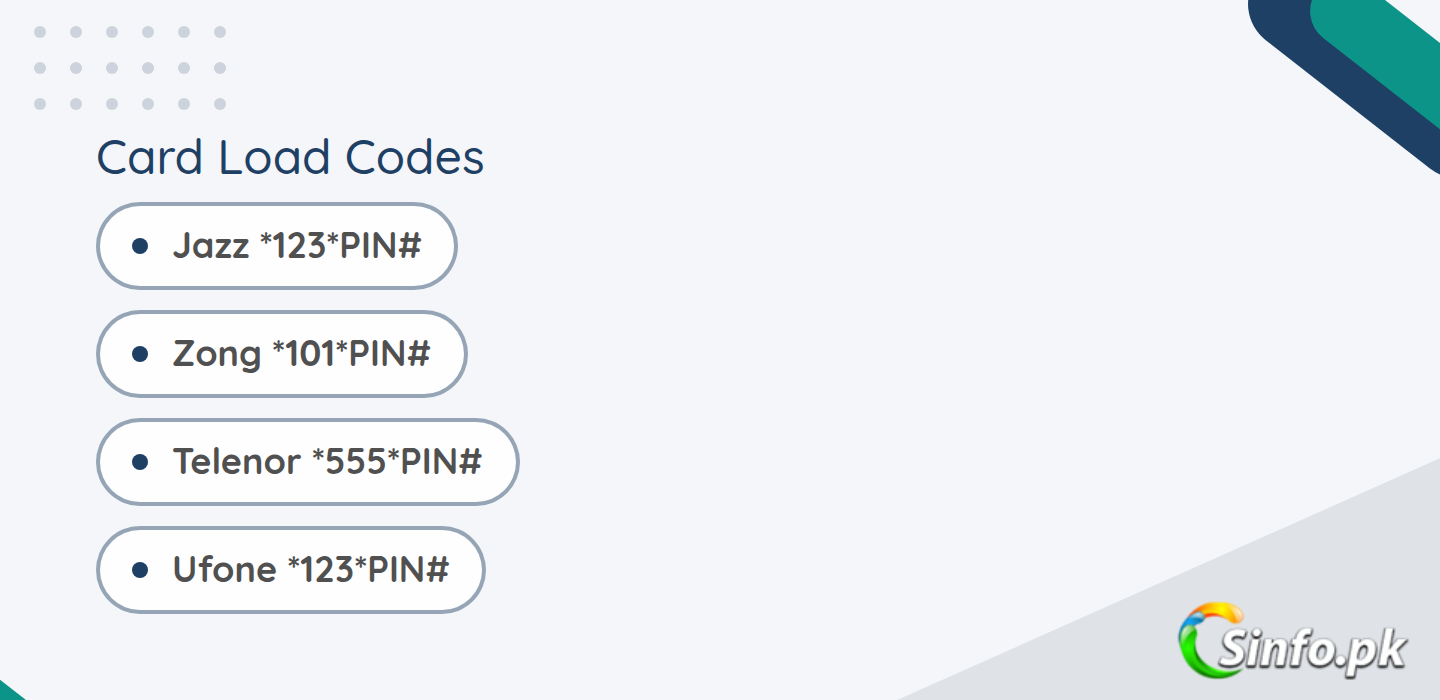
These card load codes are given by all networks including Jazz, Zong, Telenor, Ufone, And Warid. Customers can use these codes easily without any charges and even without the internet. Even you are an online customer but maybe some time you need that code to load your sim.
So, here we will discuss how you can quickly load your sim number by dialing a code or sending a message to a code. This method works only for prepaid customers and postpaid customers still have loaded their accounts either by retailer or customer point.
It is too much easy as you can do it yourself without any technical knowledge. Yes, it is true, you don’t need to worry again if you run out of balance. So, without any wasting time, let’s see how to load a card into your sim.
How To Load Jazz Card
Jazz card load code is *123*CardNumber#. When you will dial this jazz card recharge code followed by a 15-digit number, you will see a pop for a successful message. So, here is how to load jazz card:
- Go to your screen dial pad first
- Dial the Jazz card load code that is *123*number#
- Hang tight for some seconds to finish the procedure
- You will see a successful message if your card number is correct
- It works only for prepaid Jazz sims customers
- There will be almost 12% deduction on your balance

If this code doesn’t work, you can simply call on Jazz helpline 111 and ask them for help. You can also recharge your jazz account online using Jazz eCare. Check more information here.
How To Load Zong Card
Zong card load code is *101*CardNumber#. When you will dial this zong card recharge code followed by a 15-digit number, you will see a pop for a successful message. So, here is how to load zong card:
- Visit your dialer on your mobile
- Dial the Zong card load code that is *101*number#
- Wait a little bit to load your account
- If your card number is correct, you will get a successful message
- It works only for prepaid Zong sims users
- There will be almost 12% deduction on your balance
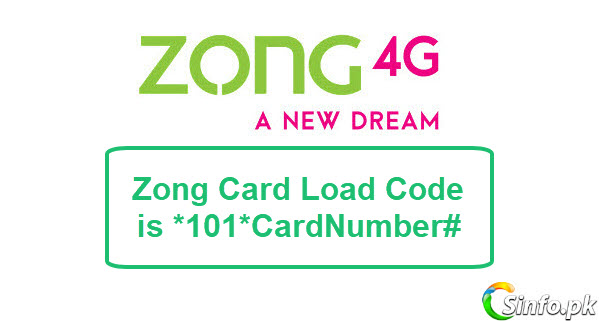
Click Zong recharge to check more info. If this code doesn’t work, you can simply call on zong helpline 310 and ask them for help. You can also recharge your zong account online using Zong eCare.
How To Load Telenor Card
Telenor card load code is *555*CardNumber#. After dial this Telenor card recharge code followed by a 15-digit number, you will see a successful message. So, here is how to load Telenor card:
- First of all open dial app on your mobile
- Dial the Telenor card load code that is *555*cardnumber#
- Wait for some seconds to complete the procedure
- You will see a successful message after dialing this
- It works only for prepaid Telenor sims
- There will be almost 12% deduction on your balance

If this code doesn’t work, you can simply call on Telenor helpline 345 and ask them for help. You can also recharge your telenor account online using Telenor eCare.
How To Load Ufone Card
Ufone card load code is *123*CardNumber#. When you will dial this ufone card recharge code with a 15-digit number, you will see a pop for a successful message. So, here is how to load ufone card:
- Go to your screen dialer pad
- Dial the Ufone card load code that is *123*cardnumber#
- Wait for some time and you will get a success message
- It works only for prepaid Ufone sim customers
- There will be almost 12% deduction on your balance
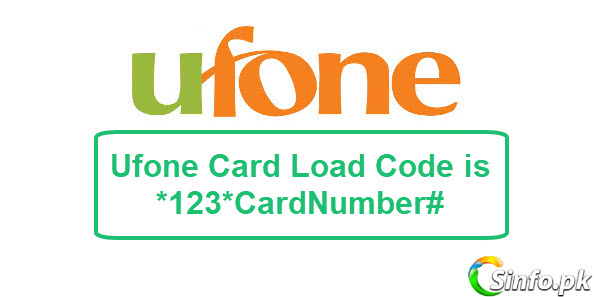
If this code doesn’t work, you can simply call on Ufone helpline 333 and ask them for help. You can also recharge your ufone account online using Ufone eCare.
How To Load Warid Card
Warid card load code is *123*CardNumber# that is also the same as Jazz due to the merge of Jazz and Warid. When you will dial this warid card recharge code followed by a 15-digit number, you will see a successful message shortly. So, here is how to load Warid card:
- Open your dialer app on your screen
- Dial the Warid card load code that is *123*cardnumber#
- Wait for some time until your account loaded successfully
- It works only for prepaid Warid sim
- There will be almost 12% deduction on your balance
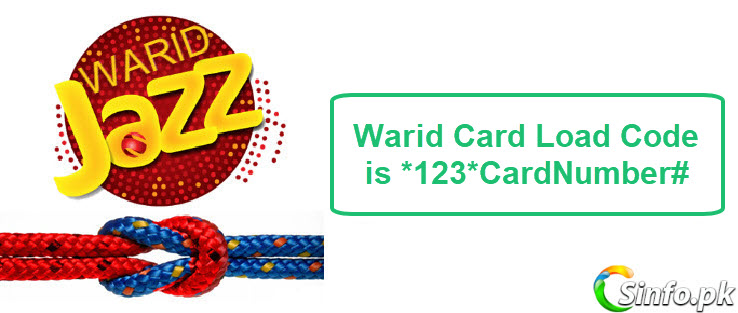
If this code doesn’t work, you can simply call on Warid helpline 111 and ask them for help. You can also recharge your warid account online using Jazz eCare.
Once the balance lands, the sensible next step is putting it into a bundle instead of letting the default rates nibble at it, so it is worth a quick look at the current Jazz call packages, Zong call packages, Telenor call packages and Ufone call packages before you dial anyone. If you found this page useful, share it with a friend who still asks you for load codes, and drop any question in the comments.
Handle the Scratch Panel Carefully
Most failed loads come from the panel, not the code. Scratch the silver coating gently with the edge of a coin, straight across, and stop as soon as the digits show. Pressing too hard is the classic way to rub a digit clean off the card. If a digit does become unreadable, the card cannot be loaded by guessing: go back to the retailer you bought it from, or call your network’s helpline (Jazz 111, Zong 310, Telenor 345, Ufone 333) and explain the situation. Keep the physical card until the balance shows up in your account.
Card Load Not Working? Common Fixes
- “Invalid PIN”: scratch the panel fully and re-read the digits. 1 and 7, 0 and 8 are easy to mix up on silver panels.
- “PIN already used”: the card was loaded before. Check your balance with *111# (Jazz), *222# (Zong), *555# (Telenor), *124# (Ufone).
- Nothing happens after dialing: you may have dialed the code and PIN in two steps. Redial as one continuous string ending with #.
- Card from another network: a Jazz scratch card only loads a Jazz number. Cards are not cross-network.
Frequently Asked Questions
What is the Zong card load code?
*101*PIN# where PIN is the number on your Zong scratch card.
What is the Jazz card load code?
*123*PIN#. Same code works for old Warid numbers, now on Jazz.
What is the Telenor card load code?
*555*PIN#.
What is the Ufone card load code?
*123*PIN#.
Do card load codes need balance or internet?
No. They are free USSD codes and work with zero balance.


nice information and thanks for share it.