

 Muhammad Naeem
If WhatsApp is the app you live in, and you do not need a big general bundle, Telenor sells a monthly bundle just for WhatsApp. It is cheap, it lasts 30 days, and it has one unusual catch: no dial code is printed for it, so you buy it in the app instead of dialling.
Quick answer: Buy it in the My Telenor App. You get 4 GB for WhatsApp only for 30 days. The balance price in the October 2026 read is Rs 104, with a Rs 120 load. No dial code is printed on its offer page, so do not dial a code you found in an old guide. Open the app, find the monthly WhatsApp offer, and confirm the price on screen before you pay.
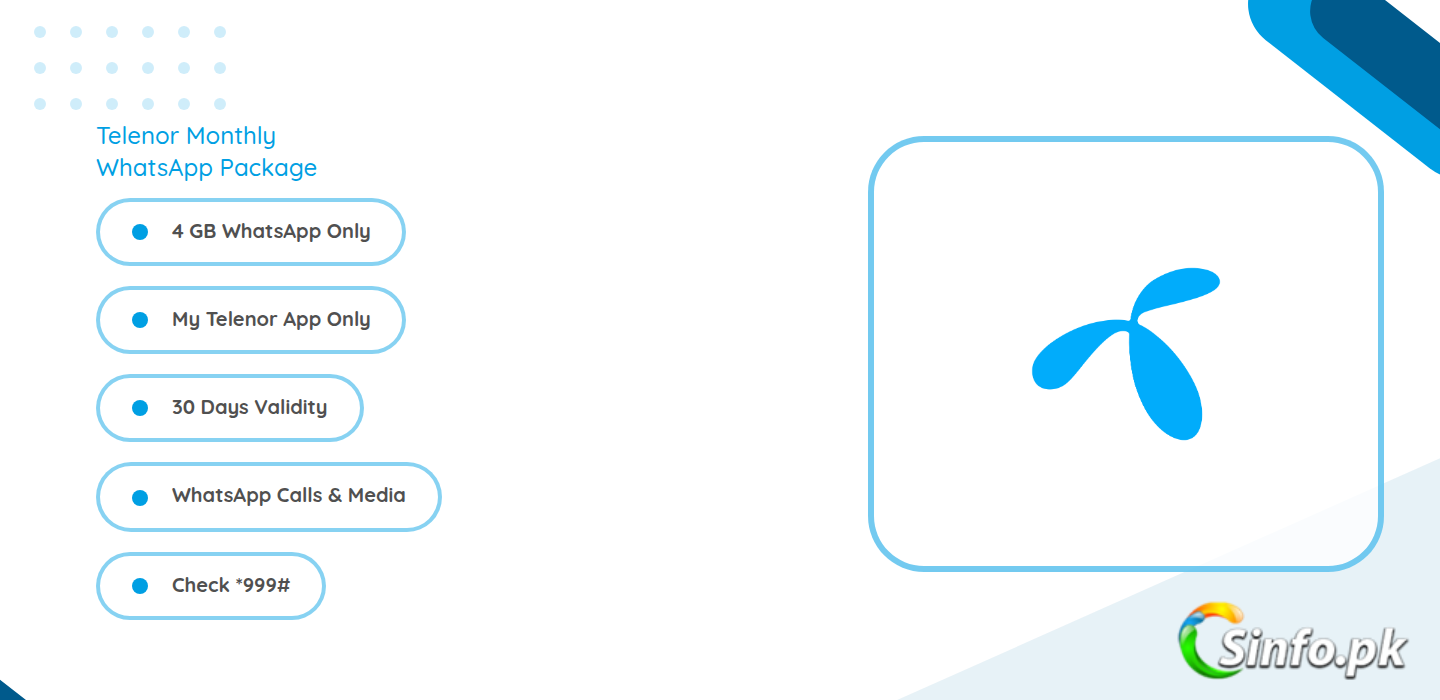
The price and the code both need care, because guides mix this bundle up with a different one. A read of Telenor offer pages on 24 October 2026 lists Monthly WhatsApp as 4 GB of WhatsApp-only data at Rs 104 balance and Rs 120 load, with no code printed. A separate official-sourced listing from May 2026, quoted in a July 2026 guide, lists the same WhatsApp-only bundle at Rs 86 including tax, also with no dedicated code, reached through the *345# menu. So expect Rs 104 as the newer figure and Rs 86 as the older official figure, and let the app price settle it on the day. Do not confuse this bundle with Monthly Social Ultra. That older bundle also cost Rs 104 with a Rs 120 load, but it gave 4 GB for Facebook and WhatsApp plus 1,000 SMS on code *345*115#, and it is marked discontinued in a June 2026 listing. The code *345*115# belongs to that older bundle, not to this WhatsApp-only offer. Old guides also print *247# for WhatsApp bundles, but that code belongs to older WhatsApp listings with different data and prices, not to the current WhatsApp-only page. The Telenor WhatsApp packages page lists the daily and weekly WhatsApp options next to this monthly one, which helps if a month feels too long.
Telenor Monthly WhatsApp Package: what you get
| Item | This package |
| Data | 4 GB for WhatsApp only |
| Minutes | None listed with this package |
| SMS | None listed with this package |
| Validity | 30 days |
| Subscribe code | None printed; buy in the My Telenor App (older guides mention the *345# menu) |
| Price | Rs 104 balance, Rs 120 load in the October 2026 read (an older official listing shows Rs 86) |
| Eligibility | Prepaid Telenor SIMs |
WhatsApp-only means exactly that. Chats, voice notes, photos, videos and WhatsApp calls inside the app use this data. Facebook, Instagram, YouTube and general browsing do not. A link that opens outside WhatsApp will not use this data either. That limit is the whole trade: you pay very little because the data cannot go anywhere else. If you also scroll Facebook every day, this bundle alone will leave you short, and a Facebook and WhatsApp bundle or a general bundle will fit better. If you want minutes and SMS in the same purchase, the Telenor Weekly AIO bundle mixes data, minutes and SMS for a week, while the Telenor internet packages guide compares the monthly general data options.
How to subscribe in the My Telenor App
Open the My Telenor App and sign in with your Telenor number. Go to the offers section and look for the monthly WhatsApp offer. Check three things on screen before you confirm: that it says WhatsApp only, that it says 4 GB, and that the price matches what you expect. If the app shows a different price, trust the app, because it is the live price for your number. Confirm the purchase and wait for the confirmation SMS. If you cannot find the offer in the app, it may not be offered on your number that day, and dialling an old code is not a safe workaround. Try the *345# menu, which older guides point to for reaching current offers, or check again later rather than paying for the wrong bundle.
To check what is left, dial *999# at Rs 0.24 per check, or check free in the app. Four GB over 30 days is about 130 MB a day, which covers heavy chatting and a fair amount of photos and voice notes, but not endless video. WhatsApp video calls and long videos will eat it faster than text chats. When the data ends, anything further inside WhatsApp can fall back to your main balance or a general bundle, so watch the balance after the bundle runs out. The summaries we read do not spell out renewal wording for this package, so read your confirmation SMS and check the app near the end of the 30 days rather than assuming it will renew or stop on its own.
Honest verdict
The Monthly WhatsApp Package is a good buy for one kind of user: someone whose phone life is mostly WhatsApp, who already handles calls and general browsing some other way, and who wants the cheapest possible month of chat data. At Rs 104 balance it costs less than a cup of tea a day over the month, and 4 GB is plenty for chats. It is a poor buy as a sole bundle, because it gives no minutes, no SMS and no general data. Buy it in the app, confirm the price on screen, and do not dial *345*115# or *247# expecting this bundle, because those codes belong to different, older offers.
Frequently asked questions
What is the Telenor Monthly WhatsApp Package code? No dial code is printed for it. Buy it in the My Telenor App. Older guides mention reaching current offers through the *345# menu.
How much data does it give? It gives 4 GB for WhatsApp only, for 30 days. It does not give Facebook data or general internet data.
What is the price? The October 2026 read lists Rs 104 balance with a Rs 120 load. An older official listing shows Rs 86. Confirm the live price in the app before you pay.
Is *345*115# the code for this package? No. That code belongs to the older Monthly Social Ultra bundle, which gave 4 GB for Facebook and WhatsApp plus 1,000 SMS and is marked discontinued. Do not dial it for this WhatsApp-only package.
Does it include minutes or SMS? No. It is a data-only bundle for WhatsApp. Pair it with a call bundle if you need minutes.
How do I check the remaining data? Dial *999# at Rs 0.24 per check, or check free in the My Telenor App.
How we checked this: we used a 24 October 2026 read of Telenor offer pages, reported on Pakera, plus a July 2026 guide quoting a May 2026 official-sourced listing at Rs 86, and older listings for the *345*115# and *247# codes. Telenor blocks detailed public checks on its own site, so the official telenor.com.pk pages could not be read directly. Always confirm the live price and data in the My Telenor App before you pay.


Add comment