

 Muhammad Naeem
If you are travelling out of Pakistan with an Onic SIM, your normal Epic, Iconic or weekly plan will not work abroad. Onic support is clear on this: base plans are only valid inside Pakistan, and you need a separate international roaming bundle for data or calls overseas. Proper packs are sold for the destinations Pakistanis visit most, bought inside the app before you fly.
This guide lists every bundle currently shown on the official page, with prices as published, plus how activation works and what to do if your destination is not covered. For regular home plans, see our main SIM packages guide.
Quick answer
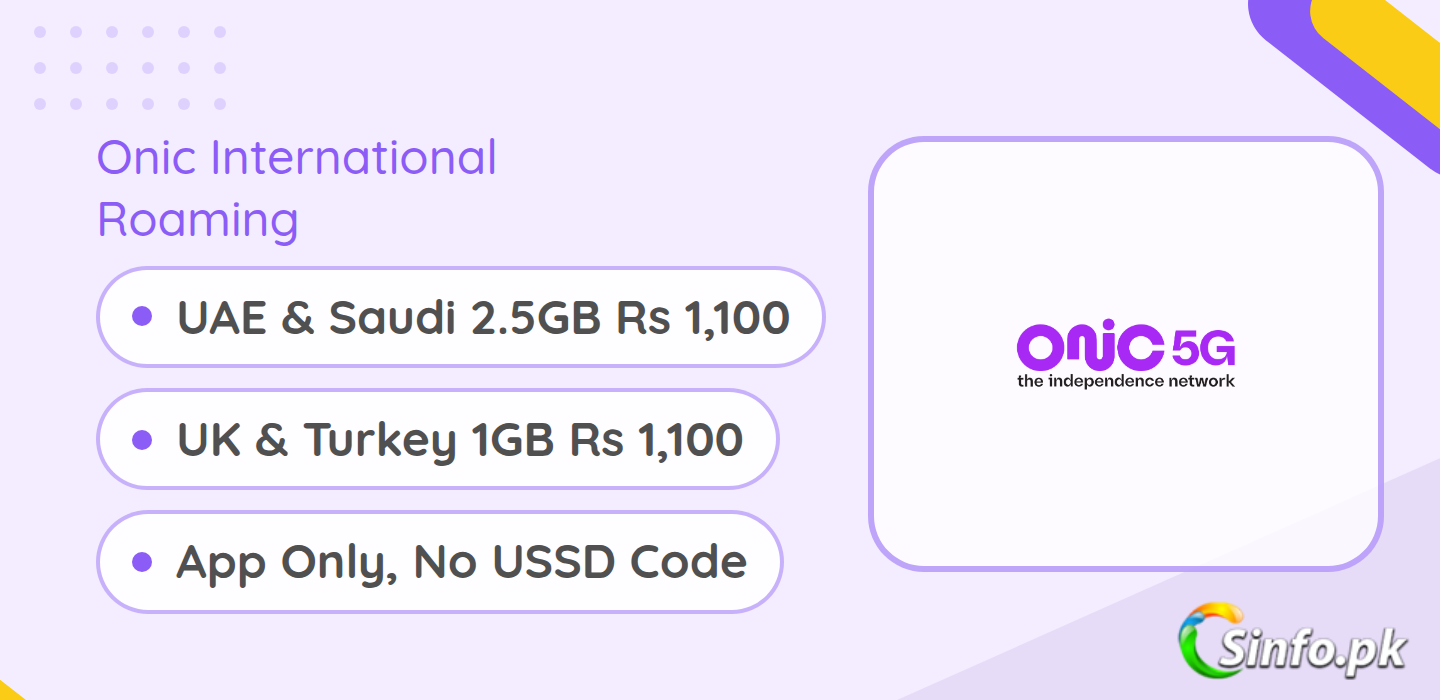
It is real and app-only, with no USSD codes. Open the app, go to the International tab, switch roaming on, and buy a bundle for your destination. Your base plan must be active first. Prices start at Rs. 250 for 500 MB in the UAE and Saudi Arabia, and the most popular pack is 2.5 GB for Rs. 1,100 valid 7 days.
Onic international roaming bundles and prices
These bundles are listed on the official plans page at the time of writing. Validity is shown where named in the bundle title. For the two larger Saudi and UAE packs, check the exact validity in the app before you pay, because the day count appears during checkout.
| Bundle | Data | Price | Validity | Best for |
| UAE & Saudia (1 Day) | 500 MB | Rs. 250 | 1 day | Landing day, maps and ride apps |
| UAE & Saudia (7 Days) | 2.5 GB | Rs. 1,100 | 7 days | Short Umrah or Dubai trip |
| Saudia & UAE Monthly | 5 GB | Rs. 2,900 | Confirm in app | Two to four week stay |
| Saudia & UAE Pro | 10 GB | Rs. 3,900 | Confirm in app | Heavy user, work trip |
| UK & Turkey (1 Day) | 500 MB | Rs. 550 | 1 day | One busy day out |
| UK & Turkey (7 Days) | 1 GB | Rs. 1,100 | 7 days | Week in London or Istanbul |
| Global Data | 100 MB | Rs. 5,500 | 7 days | Emergency use only |
| Global Voice | 10 minutes | Rs. 450 | 7 days | Short calls home |
One honest warning on sources. Some older third-party listings still show the UAE and Saudi 2.5 GB pack and the UK and Turkey 1 GB pack at Rs. 1,000. The official Onic page now lists both at Rs. 1,100, so budget for Rs. 1,100. There is also a conflict inside the official pages: the FAQ describes global data as “0.1 MB” for Rs. 5,500, while the plans page lists 100 MB at the same price. The 100 MB figure is the sensible one, but confirm it in the app before paying. Either way, this pack is only worth it for urgent messages where no dedicated pack exists.
Which countries are covered
Four countries are covered with dedicated data packs: the United Arab Emirates, Saudi Arabia, the United Kingdom and Turkey. The global bundles work elsewhere, but no full country list, per-country rates or partner networks are published. Heading somewhere else, for example Malaysia, Qatar or the United States? Check the International tab in the app first, and do not assume coverage from another network’s list. Numbers use the 0339 series, and our network code series guide shows how prefixes map across networks.
How to activate roaming in the app
Onic has no dial codes here, so put the dialer away. The official support steps are short:
First, make sure your plan is active. Second, open the app and go to the International tab. Third, toggle International Roaming on. Fourth, pick your destination bundle and pay in the app. Fifth, when you land, switch on data roaming in your phone settings and give it a minute to register. Buy before you board, so maps and messaging work the moment you land.
How to check remaining data
Checking your balance is also done in the app, not by code. Open the app, go to the International tab, and you will see your remaining data, talk time and SMS balance there. Check it once a day, and turn off automatic photo backup over mobile data before you travel, because mobile data runs out fast in the background.
What your normal plan does abroad
Nothing, effectively. Support states plainly that your regular base plan does not cover usage abroad and is only valid within your home country. Your Epic or Maverick data, minutes and SMS stay in Pakistan, are not deducted abroad and do not convert into credit abroad. The upside is you will not silently burn your home bundle at high rates. The downside is no data at all until you find WiFi. If you are choosing between networks for a travel-heavy job, compare the big monthly plans on our best monthly internet packages roundup first.
Charges explained simply
The per-GB maths shows which packs make sense. The UAE and Saudi 2.5 GB pack is about Rs. 440 per GB, and the 10 GB Pro pack about Rs. 390 per GB, the best value offered abroad. UK and Turkey is Rs. 1,100 per GB. The global 100 MB pack works out to roughly Rs. 55,000 per GB, so save it for a genuine emergency.
If it does not work at your destination
Sometimes it is simply not the right tool. If the app shows no bundle for your country, or the price makes no sense, you have three practical fallbacks. A local SIM or travel eSIM is usually cheapest for trips longer than a week. Hotel and cafe WiFi plus offline maps covers light users for free. And if you only need bank OTPs and the odd call, keep the SIM in for OTPs, buy no data pack, and browse on WiFi.
If a bundle still does not connect, restart the phone, toggle airplane mode once, and check data roaming is on in settings. Still stuck, contact support via in-app chat, 339 from your number, 051-111-339-111 from any phone, or [email protected].
Is it worth it?
For a one-week trip to Dubai, Saudi Arabia or the UK, yes. The 7-day packs are fairly priced, activation takes two minutes, and your Pakistani number stays live for OTPs, family calls and ride apps from the moment you land. For a long stay, or countries outside the four named ones, a local SIM wins on price almost every time. A practical approach is to buy the Onic pack for the first day or two so you land connected, then decide on the ground with real local prices in front of you.
FAQ
Does Onic have international roaming?
Yes. Data and voice bundles are sold for the UAE, Saudi Arabia, the UK and Turkey, plus expensive global fallback packs, all bought in the app.
How do I activate roaming?
Open the app, go to the International tab, toggle it on, then buy your destination bundle. Your base plan must be active first.
Can I use my normal package abroad?
No. Support confirms base plans are valid only in Pakistan. You need a separate bundle abroad.
How much is it for the UAE?
Rs. 250 for 500 MB for 1 day, Rs. 1,100 for 2.5 GB for 7 days, Rs. 2,900 for 5 GB and Rs. 3,900 for 10 GB. Confirm validity for the two larger packs in the app at checkout.
How do I check my remaining balance?
In the app under the International tab, which shows remaining data, talk time and SMS. There is no dial code.


Add comment