

 Muhammad Naeem
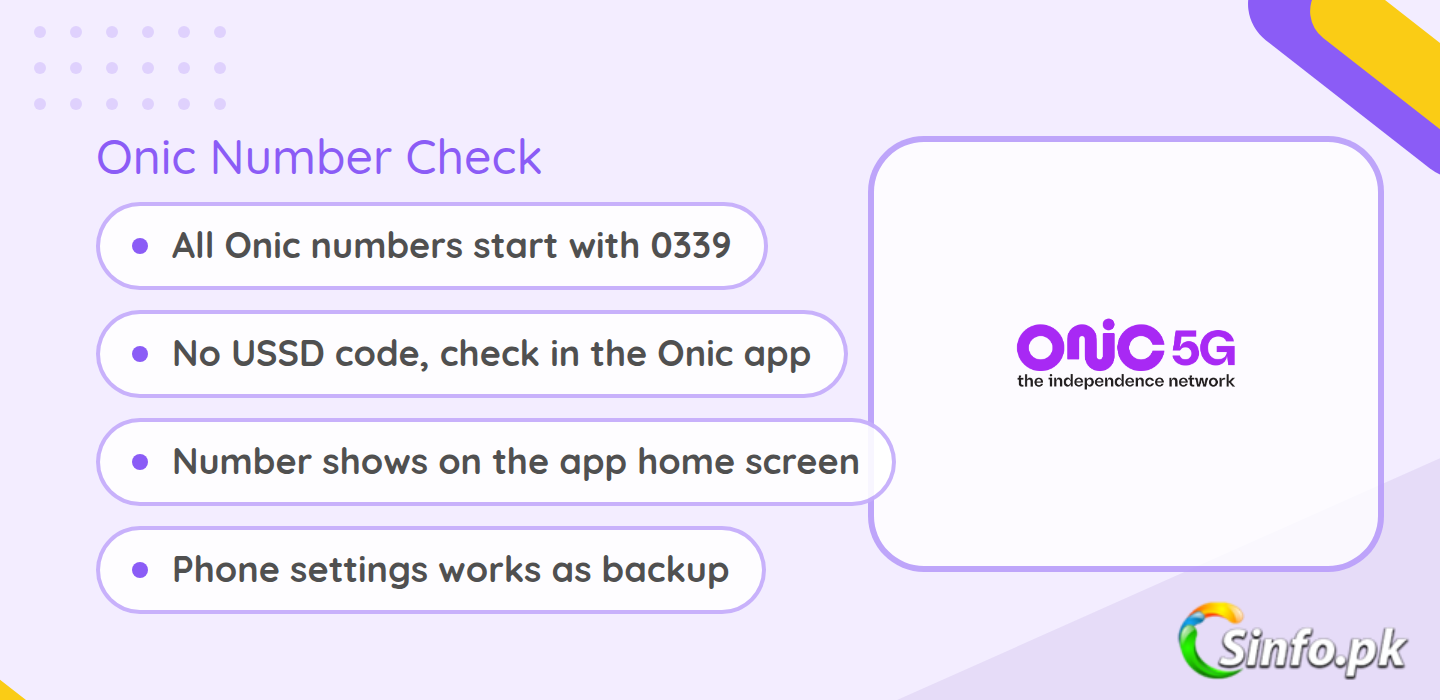
If you just moved to Onic and need to check your new number, the honest answer is simple: there is no USSD code for this. This is an app-led network, so everything about your account, including your own number, lives inside the app. Open the app after logging in and your 0339 number is right there on the home screen.
This works differently from every other network in Pakistan. Jazz, Zong, Telenor and Ufone all have dial codes that display your number on screen. No such code is published here, and the codes some websites list are not verified to work.
Quick answer: how to check your Onic number
The fastest way is the app. Log in and it appears on the home screen under your account name. If you cannot get into the app, check your phone’s settings under SIM card status, or send an SMS to a friend and ask them to read the sender number back. All of them start with 0339.
Method 1: the app
This is the method the network actually designed for. The app is your account portal, so your number is never more than a tap away.
- Open the app on your phone and log in with your registered email or account.
- On the home screen you will see your profile area at the top with your name.
- Your full mobile (starting with 0339) is displayed under your name.
- Tap the profile or account section if you want it in a copyable format for filling in forms.
If you bought the SIM recently, log in with the same email you used while ordering. It was tied to that account the moment you placed the order, so it is already there waiting.
Method 2: Find it in your phone settings
Every smartphone can read the number stored on the SIM. This works with or without the app, though the exact menu names change a little between brands.
On Android: Settings, then About phone, then Status or SIM card status. Scroll down to find the entry for your SIM slot.
On iPhone: Settings, then General, then About. It is listed near the top as “My Number”. If you are on eSIM, look under Settings, then Mobile Data, and tap the right line.
One caveat: the field is sometimes blank on SIMs where nothing was written to the SIM itself. If it shows “Unknown”, fall back to the app method above or one of the options below.
Method 3: Other quick fallbacks
Send an SMS to someone you know. Text a friend and ask them to read the sender off the message. This always works as long as the SIM has service.
Call another phone. Same idea: call any phone near you and read the incoming digits off its screen.
Check the SIM packaging. The SIM jacket or the activation slip that came with the delivery has it printed on it. If you kept the envelope the rider brought, the answer is sitting on it.
Ask support in the app. It has built-in support chat. If you can log in but your number is not displaying for some reason, the support team can confirm it against your registered account.
The 0339 series: how to spot one
Every number here starts with 0339. That four-digit prefix is the only one in use, which makes them easy to spot. For comparison, here is how the 03 series breaks down across all Pakistani networks:
| Number series | Network | Check code |
| 0339 | Onic | None (app only) |
| 0300 to 0309 | Jazz | *99# |
| 0310 to 0319 | Zong | *8# |
| 0320 to 0329 | Warid (now Jazz) | *99# |
| 0331 to 0338 | Ufone | *780*3# |
| 0340 to 0349 | Telenor | *8888# |
| 0355 | SCO | *999# |
If someone calls you from 0339, that is a subscriber of this network. The full mapping with Warid and PTCL entries is on the network code series page. One caution: codes for other networks change over time, so treat the app or official site as final if a code stops responding.
On a brand new SIM: you already chose your number
SIM ordering works differently here, and it actually removes this problem for most people. When you order a SIM through the app or onic.pk, you pick it yourself before paying. Standard ones are free, and if you want an easy-to-remember one, the app shows you the paid tiers with their prices right in the checkout flow.
After ordering, a rider delivers the physical SIM or you get an eSIM, and biometric verification happens as part of activation. Because you selected it at order time, your order confirmation email and the app both already carry it, so search your email for the order receipt before trying anything else. If you ported your old number in instead of taking a new one, it stays exactly what it always was. If you are still deciding on a plan to pair the SIM with, see our full Onic SIM packages guide for the monthly and weekly options.
What about the *100# code some sites mention?
A few third-party websites list *100#, but no USSD code for this has ever been published and we could not verify it anywhere reliable. We do not recommend relying on it.
Troubleshooting
The app will not let me log in. Make sure you are using the email you registered with. If you changed phones, reinstalling the app and logging in again usually fixes it. The password reset link takes a minute or two to arrive, so wait before requesting a second one.
The field in phone settings shows “Unknown”. This is normal on some SIMs and does not mean anything is wrong with your SIM or account. Use the app instead.
eSIM and it is not showing. Restart the phone after activating the eSIM. If it still shows nothing, your number is in the app under your profile.
I have the SIM but no data or balance. Checking it needs none. The app works over WiFi, settings need no signal at all, and the SIM jacket method needs nothing but the envelope. Only calling or texting a contact needs an active network connection.
Verdict: just use the app
There is deliberately no USSD code for this, and that is the whole story. Keep the app installed and signed in and you will never wonder what your number is. The settings screen is a decent backup, and the SMS-to-a-friend trick is the fallback for every other situation.
FAQ
What is the code?
There is none. No USSD code is published for this. Check the app, where it appears on the home screen after login.
Do all numbers start with 0339?
Yes. Only the 0339 series is in use, including ported-in ones taken through the app’s picker.
Can I do it without the app?
Yes. Look in your phone’s settings under SIM card status, send an SMS to a contact, or check the SIM packaging from your delivery.
I lost my SIM packaging and cannot log into the app. Now what?
Log in on another device with your registered email, use the in-app support chat to confirm it against your account, or check any order confirmation email you received.
Is *100# an official code?
No. It appears on a few third-party lists but was never published, and we could not verify it. Treat it as unverified.


Add comment