

 Muhammad Naeem
Dial *102*4# from your Zong SIM to check your remaining internet MBs. Or dial *102# and reply with 4 from the menu.
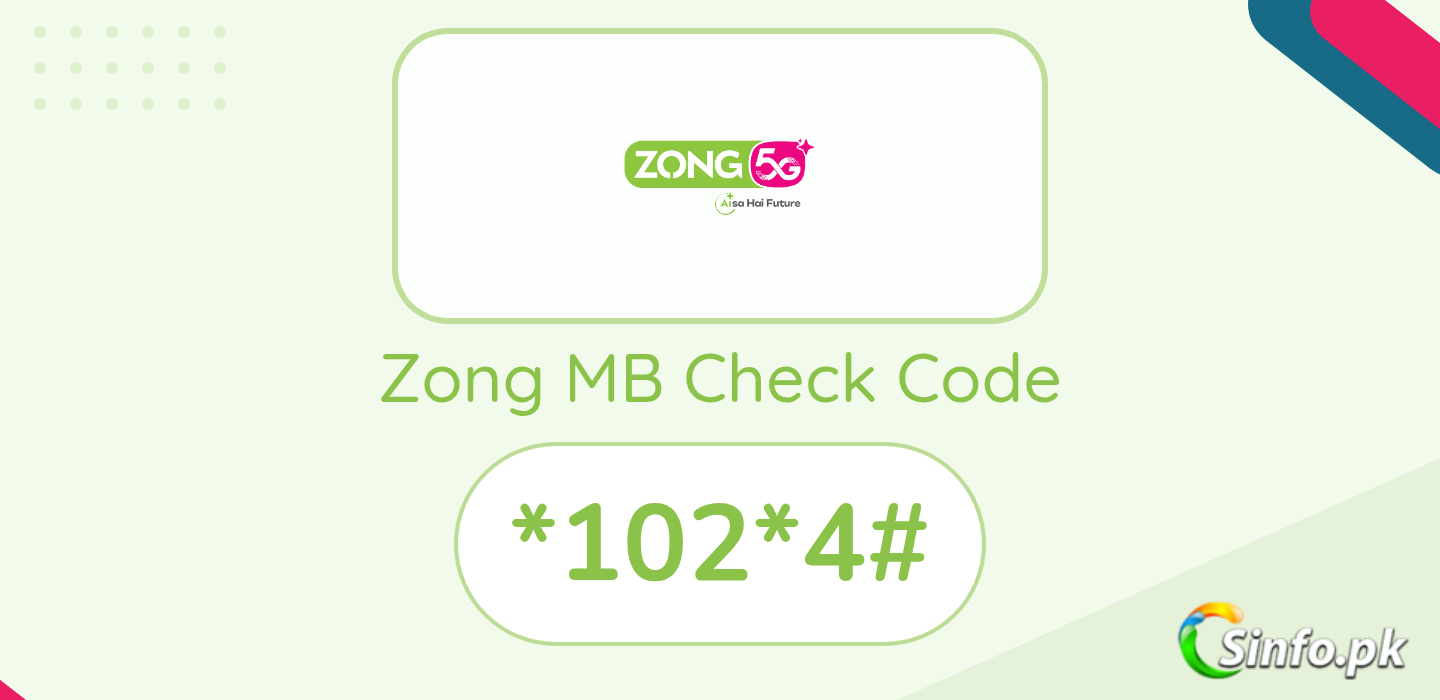
The *102# menu covers all remaining resources on your Zong number: reply 1 for everything at once, 2 for minutes, 3 for SMS, 4 for MBs. A small fee applies per inquiry, so the My Zong App is the free alternative.
Zong MB Check Codes
| What you want to check | Dial |
| All details (minutes, SMS, MBs) | *102*1# |
| Remaining minutes | *102*2# |
| Remaining SMS | *102*3# |
| Remaining internet MBs | *102*4# |
How to Check Zong Remaining MBs
- Dial *102# from your Zong SIM
- A menu pops up with 4 options
- Reply with 4 for MBs (or 1 for all details)
- You get an SMS with your remaining MBs and package validity
Check for Free with My Zong App
Open the My Zong App and log in with your number. The dashboard shows remaining MBs, minutes, SMS and each bundle’s expiry without any inquiry charges. You can also manage everything through Zong eCare on zong.com.pk.
FAQs
What is the Zong MB check code?
*102*4# for MBs directly, or *102# then reply 4 from the menu.
Is the *102# check free?
No, Zong charges a small fee per inquiry, so frequent checks add up. The My Zong App shows the same information free.
Why did I not get a reply after dialing?
Low balance, an expired package, or a temporary network issue are the usual causes. Retry after a minute, or call the Zong helpline at 310.
Can I check MBs of a Zong device SIM?
Yes. Put the MBB SIM in a phone and dial *102#, or check data usage at 192.168.8.1 while connected to the device.
Also check Zong internet packages and Zong free internet.



Zong network is very solw mbs chk another bkns or fre mints configrat msgs not send back why plz do somthing
Zong is a very junk network..Net package b does not work quickly and at the same time blow the balance b.Shameless network…