

 Muhammad Naeem
Zong Monthly WhatsApp is the cheapest way to keep WhatsApp running all month on a Zong prepaid SIM. It costs Rs. 250 and gives you 4 GB of data that works only on WhatsApp, valid for 30 days. You can switch it on by dialling *3998#, or by dialling *247# and replying 1. This post covers the price, the code, how to subscribe, how to stop it, and how it compares with the bigger WhatsApp bundles Zong sells.
If WhatsApp is the app you use most, this bundle makes sense. Four GB is a lot for chat. Text messages use almost no data, voice calls use about half a megabyte a minute, and video calls use the most. The bundle does not cover YouTube, Facebook or general browsing, so you still need a normal data bundle for those. The price on Zong’s own website today is Rs. 250 as the consumer price, which means tax is already included in that figure. Zong lists this bundle on its internet bundles page under the social section, and two recent reads of Zong’s own pages agree on the 4 GB figure and the Rs. 250 price.
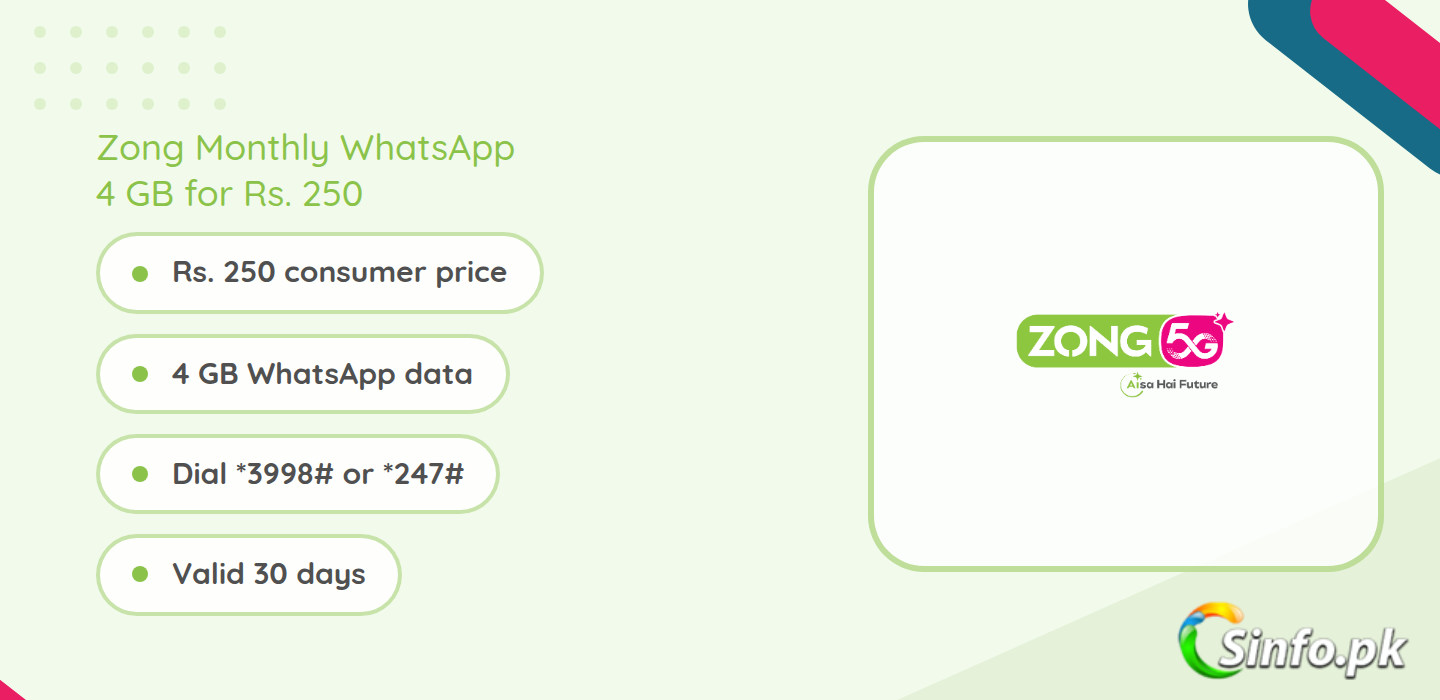
What Zong Monthly WhatsApp gives you
The table below has every detail in one place. The price is the consumer price from Zong’s website, so it already includes tax. The code column lists both routes Zong gives for the same bundle, because Zong’s pages show *3998# on the bundle page and *247# on the WhatsApp menu, and both lead to the same 4 GB offer.
| Detail | Monthly WhatsApp |
| Price | Rs. 250 (consumer price, tax included) |
| WhatsApp data | 4 GB |
| Validity | 30 days |
| Subscribe | Dial *3998#, or dial *247# and reply 1, or dial *4# |
| Unsubscribe | Dial *247# and reply 2, or text “unsub sm” to 6464 |
| Works on | WhatsApp only (chats, voice calls, video calls, status, media) |
| SIM type | Prepaid |
How to subscribe to Zong Monthly WhatsApp
There are three ways to switch it on. The fastest is the direct code. Dial *3998# from your Zong SIM and confirm the subscription on the menu that appears. You need at least Rs. 250 of balance before you dial, because the bundle charges at once.
The second way is the WhatsApp menu. Dial *247#, reply 1 for the Monthly WhatsApp bundle, and confirm. The same menu also lists the other WhatsApp bundles, so read the reply options before you pick one. The third way is the online shop on Zong’s website, or the My Zong App, which shows the live price for your number before you pay. Open the offer, enter your number, and tap Subscribe. Zong sends a confirmation SMS within 15 minutes of activation.
How to check remaining data and stop the bundle
To check your balance before you subscribe, dial *102#. To check how much WhatsApp data you have left, open the My Zong App and look at the active bundles on your number. The app is the reliable place for the remaining figure, because the bundle has no separate status code of its own.
To stop the bundle, dial *247# and reply 2, or send “unsub sm” to 6464. Stopping it ends the bundle at once, and any data left in it is lost, so only unsubscribe when you are sure you do not need the rest of the 4 GB. Note that activating another data bundle while this one is active can override it, so do not stack bundles unless you have checked what happens to the first one.
Monthly WhatsApp vs WhatsApp Plus vs Social Mini
Zong sells three monthly WhatsApp options, and the right one depends on how much you use the app. The table below compares them, and the full Zong internet packages list has the rest of Zong’s monthly bundles in one place.
| Bundle | Price | What you get | Code |
| Monthly WhatsApp | Rs. 250 | 4 GB WhatsApp, 30 days | *3998# or *247# |
| Monthly WhatsApp Plus | Rs. 400 | 7 GB WhatsApp and IMO, 200 Zong minutes, 50 off-net minutes, 200 SMS, 30 days | *4000# |
| Monthly Social Mini | Rs. 380 | 6 GB Facebook and WhatsApp, 30 days | My Zong App |
WhatsApp Plus is the better pick if you also call a lot on WhatsApp and IMO and want minutes included. It costs Rs. 150 more than the basic bundle and adds 3 GB plus the minutes and SMS. The Social Mini suits people who split their time between Facebook and WhatsApp, but take its price with care: Zong’s own page shows Rs. 380 at the top and Rs. 300 in the text under it, so confirm the live figure in the app before you subscribe. For WhatsApp alone, the basic Rs. 250 bundle is the cheapest option Zong sells.
How far does 4 GB of WhatsApp go
Four GB is generous for WhatsApp alone. Plain text chat uses about 1 to 2 MB per hour of steady messaging, so texting barely dents the allowance. A WhatsApp voice call uses roughly half a megabyte per minute, which means about 8,000 minutes of calling in the month, far more than most people use. Video calls are the heavy item, at about 5 to 6 MB per minute, so 4 GB covers around 11 to 13 hours of video calling.
The bundle covers everything inside WhatsApp, including status updates, media downloads, and calls to any network. It does not cover links you open from WhatsApp that load in a browser, and it does not cover YouTube or Facebook. If you watch a lot of video outside WhatsApp, pair this bundle with a general data bundle. A good partner is a heavy monthly hybrid such as the Zong Monthly Pro bundle, which gives you general data plus minutes for the same month.
Terms to know before you subscribe
The bundle is for prepaid Zong customers only, not postpaid or internet device SIMs. The price is the consumer price, which includes tax, but a 15 percent advance income tax applies on every recharge and a 19.5 percent sales tax applies on usage where it applies, per Zong’s own terms page. Once the 4 GB is used up or the 30 days end, WhatsApp data falls back to the default rate of Rs. 4 plus tax per MB, so check the remaining figure in the app near the end of the month. One honest note: an older read of Zong’s page in September showed Rs. 220 in the text under the bundle while the header showed Rs. 250. The current page, read on 6 November 2026, shows Rs. 250, and that is the figure used in this post. If the app or the *247# menu shows a different price on the day you subscribe, the figure on the day is the one that counts.
Verdict
Zong Monthly WhatsApp is a good buy for anyone whose phone life runs on WhatsApp. At Rs. 250 for 4 GB and 30 days, it costs about Rs. 8 a day, and the data is enough for heavy chatting, daily voice calls, and a fair amount of video calling. It is not a replacement for a general data bundle, and it is not the best pick if you also need IMO or minutes, in which case WhatsApp Plus at Rs. 400 is better value. For WhatsApp alone, this is the cheapest monthly option Zong sells.
FAQs
What is the code for Zong Monthly WhatsApp?
Dial *3998# to subscribe directly. You can also dial *247# and reply 1, or dial *4#.
How much does Zong Monthly WhatsApp cost?
Rs. 250 as the consumer price, which includes tax. You need that much balance before you dial the code.
How much data do you get?
4 GB of data for WhatsApp only, valid for 30 days.
Does it cover WhatsApp voice and video calls?
Yes. Voice calls, video calls, chats, status, and media inside WhatsApp all use the same 4 GB.
How do I unsubscribe from Zong Monthly WhatsApp?
Dial *247# and reply 2, or send “unsub sm” to 6464. Any data left in the bundle is lost when you stop it.
Will it renew on its own?
Zong does not state this clearly on the bundle page. Check the active bundles in the My Zong App before the 30 days end, and unsubscribe if you do not want it again.


Add comment