

 Muhammad Naeem
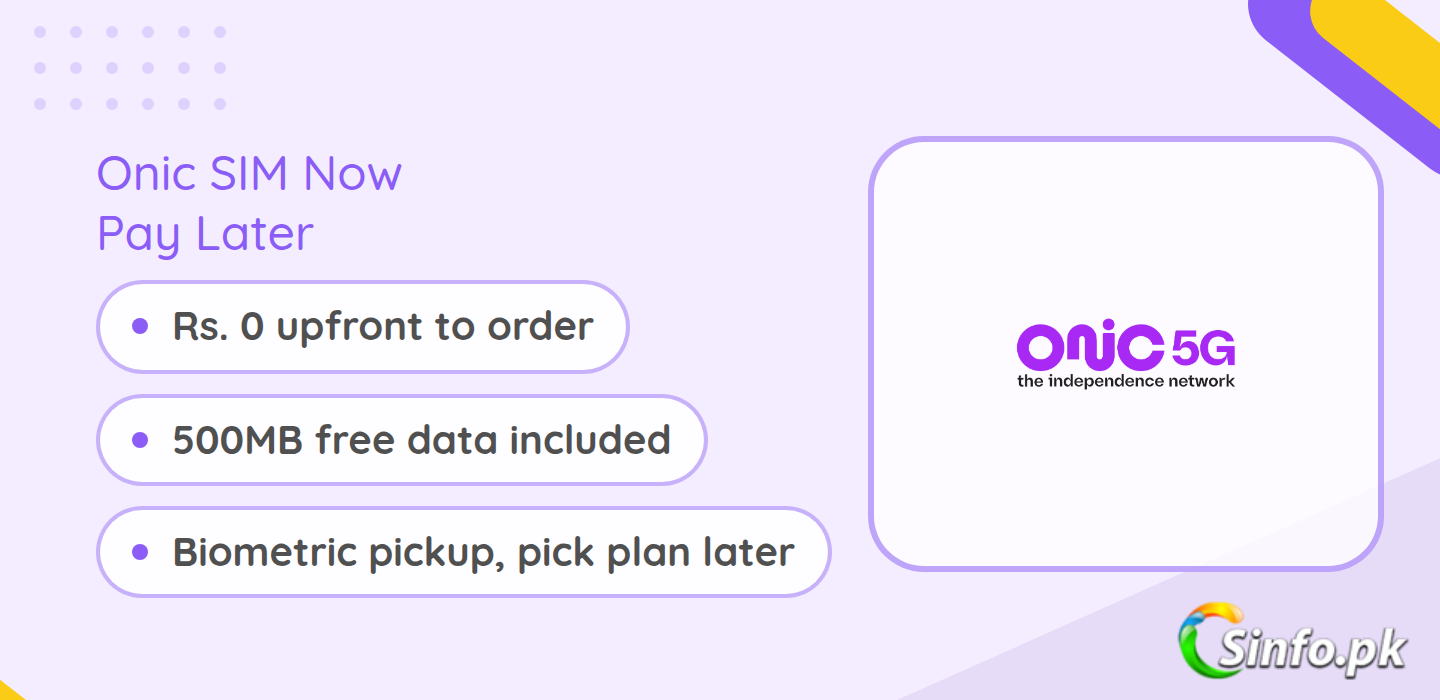
Onic SIM Now Pay Later lets you order a new Onic SIM for Rs. 0, collect it after biometric verification, use 500MB free data, and settle the bill when you later pick a plan. It is a try first route into the 0339 network, not a loan.
The name confuses many people, so this guide sticks to what is published on onic.pk. You will see the verified order steps, what is actually free, where money is still due, how the two types differ, and the unpublished cancellation terms so you do not guess.
Quick answer
Order charge: Rs. 0. Starter: 500MB free data. The plan you pick is the only paid part. There is no USSD code because the service is app only. You order in the app or on the website, then visit a pickup point for biometric verification.
If coverage is your main worry, use the free starter to test signal at home and work first. The wider plan prices and number options are covered in the main packages guide.
Onic SIM now pay later, explained
On a normal order you pick a plan and pay before collecting it. With this option the steps are split. Reserving the number is free. Buying a weekly, monthly, group, annual or social plan afterwards is paid, at the price shown in the app that day.
No interest rate, installment schedule, late fee, due date or credit check is published for this offer on onic.pk/snpl-plan or onic.pk/rihayi. Here it means settling the plan bill later, not for the card in installments. If the app checkout shows different terms for your order, that app screen is final.
| Detail | This offer | Normal order |
| Charge to place order | Rs. 0, no upfront charges (official) | Plan price paid at checkout |
| Free data | 500MB to start | Only what your plan includes |
| When you choose a plan | After pickup and activation | Before or during order |
| Type | Physical or eSIM | Physical SIM or eSIM |
| Biometric step | At the nearest pickup point | As shown for your order in the app |
| Subscribe code | None, app only | None, app only |
One honest conflict: some third party sites still say free home delivery with biometric at your door is offered. The current official pages say collect from the nearest pickup point and complete biometric verification there. Follow the instruction on your own order.
How to order step by step
1. Get the app and sign up
Install the app from Google Play Store or Apple App Store, or start on the website. Sign up with your email and keep access to it for eSIM delivery and order updates.
2. Pick number and type, order for Rs. 0
Open the pay later flow, search for an available 0339 number, choose physical or eSIM, and confirm at Rs. 0. If you see a plan price at this stage you are in the normal paid flow, so go back and select the Rs. 0 option.
3. Biometric verification at pickup
Bring your original CNIC to the pickup point you selected. Biometric verification must succeed before it is handed over. Someone else generally cannot collect it for you.
4. Activate in the app
Tap activate in the app and scan the ICCID printed on the card, or enter it manually. For eSIM, check phone compatibility first and follow the digital activation steps sent to you.
5. Use 500MB free, then buy any plan
Test calls, WhatsApp, browsing and speed on the starter data. When ready, open Packages Available, pick a plan and check out online. The plan activates after successful payment. No plan is forced at pickup.
Fees: what is free and what is not
The verified free parts are the Rs. 0 order and the 500MB starter. No separate service fee, biometric fee or extra fee is listed for this offer. You will still owe the full published price of whichever plan you buy afterwards. The site warns that weekly, monthly, annual, social and group pricing will increase from 25 March 2026, so rely on the live app price, not an old screenshot.
If a pickup point asks for extra cash beyond what the app shows, stop and confirm with support first. Keep your order confirmation and payment receipt until your first plan is active.
Physical or eSIM: which to choose
Pick eSIM if your phone supports it and you want a digital start with no plastic card. eSIM is offered alongside the physical option and the offer page covers both. Confirm compatibility before ordering because an eSIM cannot be moved between phones as easily as a card.
Pick the physical option if your phone has no eSIM, you swap devices often, or you want to test the card in a second phone. The cost is a pickup visit. The number and the 500MB starter work the same on both.
Who should use it, and who should skip it
This fits students, second line users and switchers who want to test the network before paying. It also helps if you want to reserve a preferred number now and choose a plan after payday. If you already know you need a large monthly bundle today, compare options in the best monthly internet packages list and order with a plan in one go.
Skip it if you cannot reach a pickup point, need doorstep delivery, or need a full plan within the hour. For porting an existing number, note the FAQ: you cannot port if you are from AJK, changed ownership recently, or have used your current number for less than 60 days. Prepaid porting can take up to 4 business days, so start early and confirm eligibility in the app.
Cancellation and returns: the honest gap
The official offer pages do not publish a cancellation window, a return process for an uncollected order, a collection deadline, or what happens if you never buy a plan after the 500MB starter. We are not inventing terms to fill that gap.
Safest move: if you ordered by mistake, contact support before pickup through the app live chat, helpline 051-111-339-111 or email [email protected], quote your order number and ask for the exact cancellation steps in writing. If biometric verification is already done, ask whether the number can be released.
Verdict
It does what it promises in the verified flow: Rs. 0 to order, biometric pickup, 500MB free, then any plan you choose. It is not free service for a month and not a financing product. Its weak spots are pickup only collection and unpublished cancellation rules. For a first SIM when coverage is uncertain, it is still the lowest risk way to start.
Frequently asked questions
Is it really free?
The order is Rs. 0 with no upfront charges and includes 500MB free data per onic.pk. The plan you choose afterwards is the only paid part.
Is there a USSD code for this offer?
No. It is app only. Ordering, activation and plan purchase happen in the app or on the website.
Do I need biometric verification for a free order?
Yes. Collect it from the nearest pickup point and complete biometric verification there before activation.
How do I activate after pickup?
In the app tap activate and scan the ICCID on the card, or type it manually. For eSIM follow the digital steps after confirming your phone supports eSIM.
Can I port my old number with this?
In app port in is supported with its own eligibility rules and processing time. The Rs. 0 pages describe a new 0339 number flow most clearly, so confirm porting in the app before starting.
What if I never buy a plan?
You start with 500MB free, then choose any plan to continue. It does not publish a starter expiry date or purchase deadline on the offer page, so check the current rule in the app for your order.


Add comment